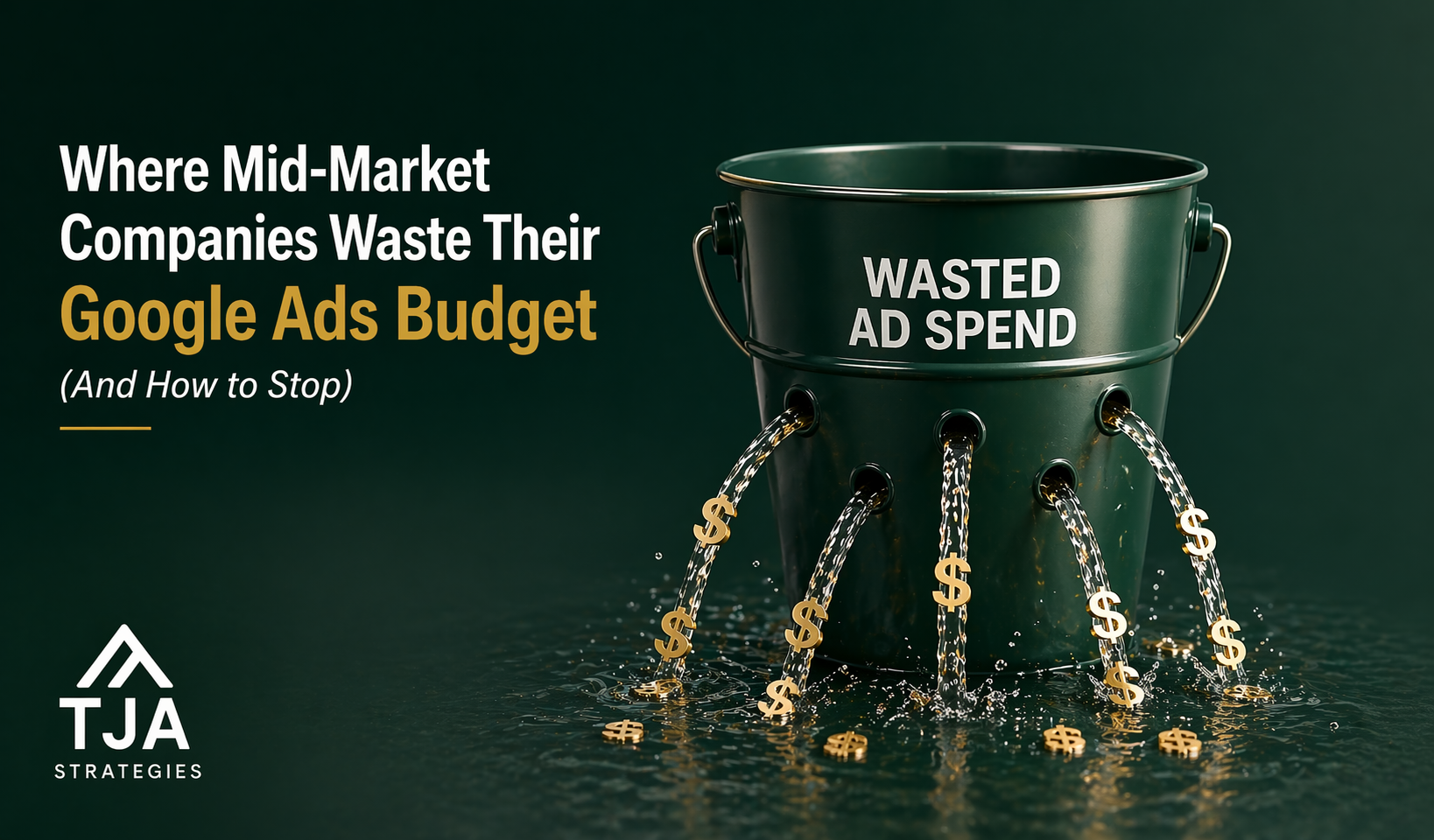
When our team audits a mid-market Google Ads account for the first time, we expect to find 30 to 60 percent of the budget being spent on impressions or clicks that have a near-zero chance of producing revenue. We are almost never wrong.
That is not a knock on the in-house teams running these accounts. Google Ads has gotten harder to manage every year for the past five years. Defaults are aggressive. Recommendations are biased toward spend. Reports show what Google wants you to see, not what you need to see. A team that was running a clean account in 2022 can be bleeding budget today without realizing it.
Here are the seven places we find Google Ads waste at mid-market companies most often, and how to stop each one.
1. Broad match without strong negative coverage
Google has been pushing broad match harder every year. The pitch sounds reasonable: broad match plus Smart Bidding learns faster, captures more relevant queries, and ends up cheaper than exact and phrase match.
For some accounts, that pitch is real. For most mid-market accounts we audit, it is a budget leak.
The reason is straightforward. Broad match expands aggressively into queries that look semantically related to your keywords but are not commercially relevant. A B2B software company bidding on “project management software” can find itself paying for clicks on “free project management tools,” “project manager job description,” or “best project management certification.”
The fix is not to abandon broad match. It is to pair every broad match keyword with an aggressive negative keyword strategy. Pull search query reports weekly for the first three months of any new broad match deployment. Add negatives for any query that converted at zero across a meaningful sample. Build a master negative list at the account level for terms like “free,” “jobs,” “salary,” “training,” “certification,” and “course” if those are not your business.
Mid-market accounts running broad match without disciplined negative management routinely waste 25 to 40 percent of paid search budget on irrelevant queries.
2. Branded search cannibalization
When you bid on your own brand name, you frequently pay Google for clicks you would have gotten organically for free. This is the most contested topic in paid search, and the answer is more nuanced than either “always bid on brand” or “never bid on brand.”
Bid on brand when:
- Competitors are bidding on your brand and you are losing the top of the page
- You have a long, multi-step buying process and want to control the messaging on the SERP
- You are running multiple campaigns or promotions you want to feature
Do not bid on brand when:
- You already rank number one organically and no competitor is bidding
- You have no specific message that differs from your organic listing
- Your branded volume is small enough that the spend is rounding error
Most mid-market accounts blindly run a branded campaign with a high budget cap and never test what happens if they pause it. We typically recommend a controlled pause test for two weeks. If non-brand revenue holds and total revenue stays flat or grows, that branded spend was cannibalizing organic traffic and you can redirect it.
3. Performance Max sucking budget from focused campaigns
Performance Max is Google’s automated campaign type that runs across Search, Display, YouTube, Discover, Gmail, and Maps simultaneously. It can be effective for some accounts. It is also a budget vacuum.
The problem with PMax for most mid-market companies is two-fold. First, you have very little visibility into where your spend is going. Second, PMax tends to cannibalize spend that would otherwise go to your most-focused, highest-intent campaigns.
If you run PMax, you need to:
- Use account-level negative keywords (PMax has its own list, separate from regular negatives)
- Pull asset group reports monthly to confirm where spend is landing
- Test PMax pause windows to measure incrementality against your other campaigns
- Cap PMax budget at a percentage of total account spend, not let it scale unbounded
Most mid-market accounts running PMax at 40 percent or more of total budget are leaking incremental spend.
4. Smart Bidding without conversion quality data
Smart Bidding is only as good as the conversion signal you feed it. If your Google Ads account counts every form fill as a conversion regardless of lead quality, Smart Bidding will optimize for the cheapest form fills, not the most valuable ones.
For B2B mid-market companies, this is the single biggest source of long-term Google Ads waste. The account looks great by every Google Ads metric. Cost per conversion is low. Conversion volume is high. Sales is screaming about the quality of the leads.
The fix is to send conversion quality back to Google Ads. Either:
- Use offline conversion tracking to import marketing-qualified or sales-qualified lead status from your CRM
- Use enhanced conversions to send hashed customer data so Google can match clicks to actual paying customers
- Set up a Smart Bidding strategy that targets a conversion value, not a conversion count
This is technical work. It usually requires coordination between your marketing ops team, your CRM admin, and whoever is running Google Tag Manager. It is also the highest-impact change most mid-market accounts can make.
5. Geographic targeting set wrong
Google’s location targeting defaults to “presence or interest” — meaning your ads show to people physically in your target area and to people who have expressed interest in your target area. For most B2B mid-market companies, this is too loose.
If you sell to customers in the Northeast US, “presence or interest” might show your ads to anyone in the world researching New York. Some of those impressions are valuable. Most are waste.
Switch location targeting to “presence” only. Then build out specific location targets at the metro or state level if your business has any geographic concentration. Exclude countries where you do not sell, even if you think you have already excluded them — Google has been adding new ones to default lists.
6. Display Network defaults still on
When you create a search campaign, Google still sometimes opts you into the Display Network and Search Partners by default. Both can quietly account for 20 to 40 percent of campaign spend at low conversion rates.
Audit every campaign. Confirm Display Network is off unless you specifically want it. Confirm Search Partners is off unless you have tested them and they are performing. If you do want Display, run it as its own dedicated campaign so you can budget and report on it separately.
7. Bid strategy mismatched to account stage
Smart Bidding strategies — Maximize Conversions, Target CPA, Target ROAS, Maximize Conversion Value — all need conversion data to work. New campaigns or campaigns with low conversion volume should usually run on manual CPC or Maximize Clicks until they have at least thirty conversions in a thirty-day window.
We routinely see mid-market accounts running Target CPA on a campaign generating four conversions a month. Smart Bidding cannot optimize on that little data. The bidding goes wide, spending unpredictably, and the team blames the tactic when the real problem is the configuration.
Match bid strategy to data volume. Manual CPC for new or low-volume campaigns. Maximize Conversions once you have steady volume. Target CPA or Target ROAS only when you have at least thirty conversions monthly and a stable conversion value.
What our team does in the first 30 days of a new account
When a mid-market client hands us a Google Ads account, the first thirty days follow a fairly standard playbook:
Week 1: Full account audit. Search query reports across the previous ninety days for every campaign. Asset group reports for any PMax campaigns. Geographic and device performance breakdowns. Conversion tracking validation.
Week 2: Negative keyword cleanup, geographic tightening, network exclusions, branded campaign baseline. We turn off the most obvious waste before we touch anything strategic.
Week 3: Conversion quality work. Wire up offline conversion imports from the CRM. Switch Smart Bidding strategies to value-based where data allows.
Week 4: Restructuring. Consolidate or split campaigns based on what the data shows. Tighten ad groups. Refresh ad copy and extensions.
The typical first-month outcome is a 20 to 35 percent reduction in wasted spend, redirected into either lower total budget or higher volume in the campaigns that actually work.
When to bring outside help in
If your in-house team is great at the day-to-day but missing the strategic and structural review, an outside paid search team can run the audit and rebuild work without replacing the in-house ownership. Most mid-market companies do not need a full-service agency taking over the account permanently. They need a sharp team to run the diagnostic, fix the structural problems, and hand the account back to the in-house team in better shape.
If that sounds like what you need, get in touch. We will run a no-cost audit on your top-spend campaign and show you specifically where the waste is.